Your product library
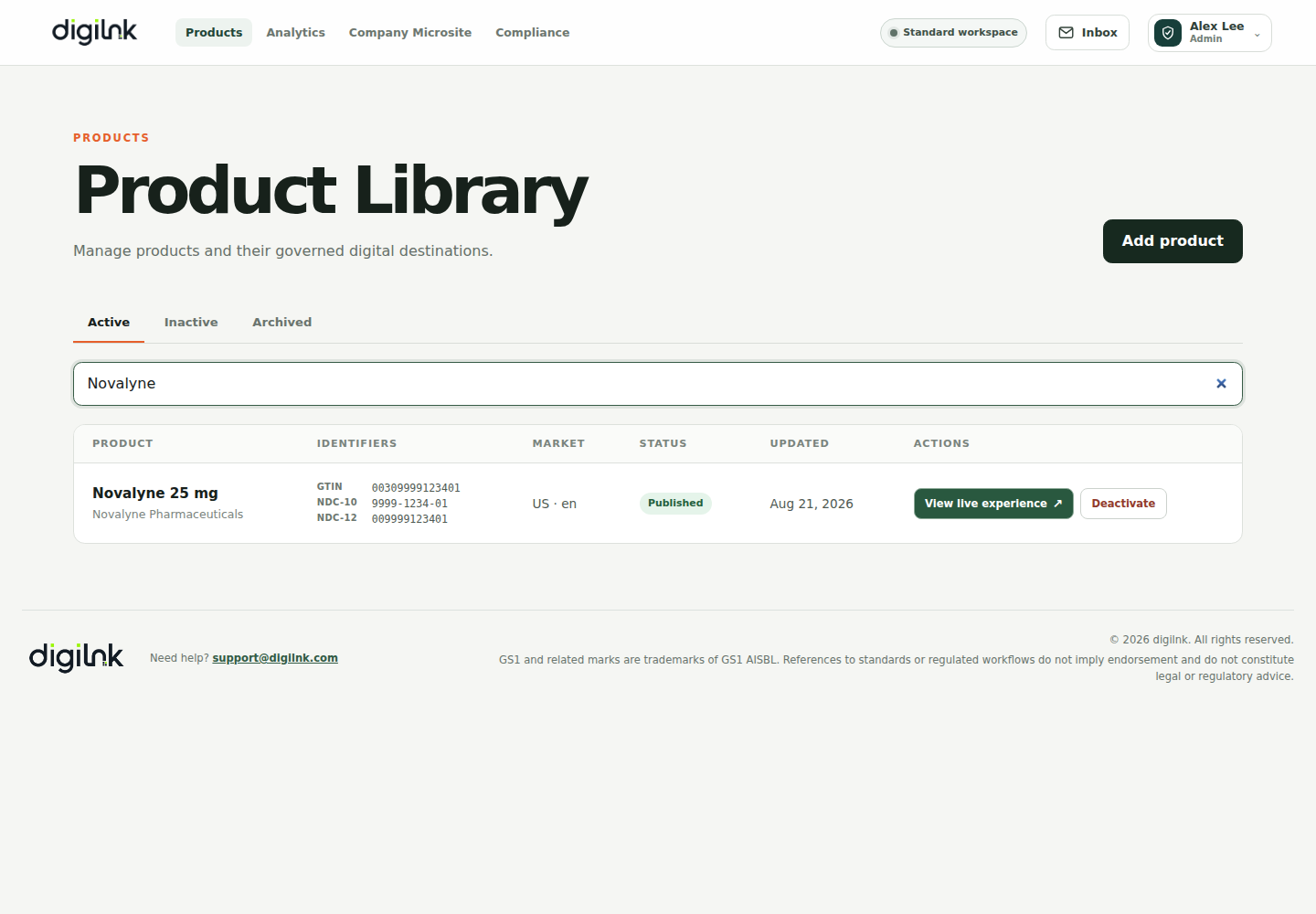
The Products workspace is the operational center of Digilnk. Each row represents one persistent product identity and shows its GTIN, market, publication status, last update, and available lifecycle actions.
- Use search to find a product by name, brand, GTIN, or NDC.
- Choose Active, Inactive, or Archived to change the library view.
- Select a product row to inspect its content and destinations.
- Use View live experience to see exactly what a scan resolves to today.
Drafts do not change the live experience
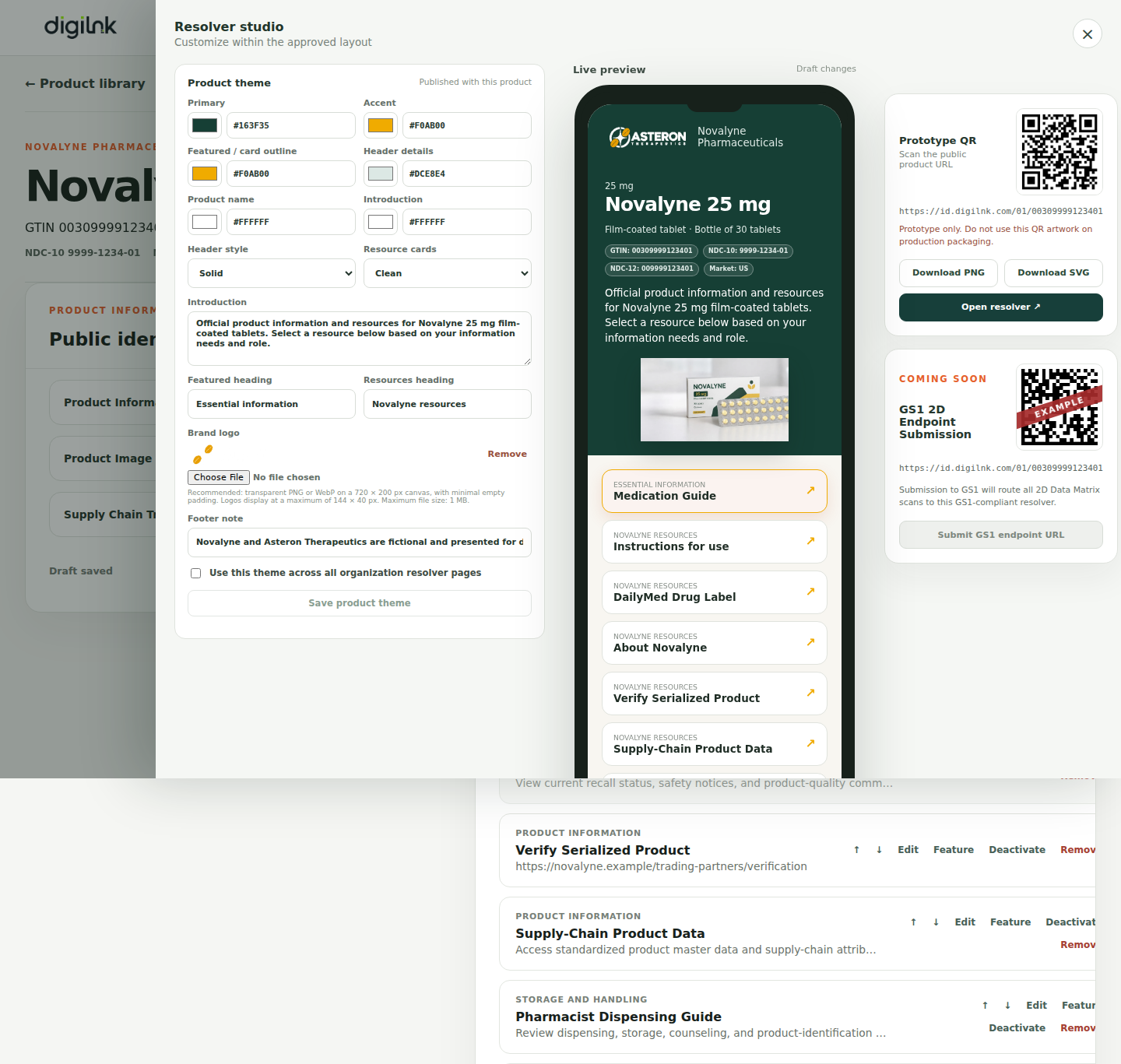
Editing a published product creates a working draft copied from the current published revision. You can preview and refine it without changing what customers see. The live resolver changes only after the draft is published.
Understand the lifecycle
Draft products have never been published. Published products resolve publicly. Inactive products retain their history but stop resolving. Archived products leave the operational library until restored.