Work safely in a draft
The first edit to a published product prepares a new draft revision. Product details, destinations, presentation, and lifecycle notices can be changed together and reviewed as one release.
- Open the published product and make the required changes.
- Save the draft and inspect the mobile preview.
- Check destination URLs, audience settings, effective dates, and expiration dates.
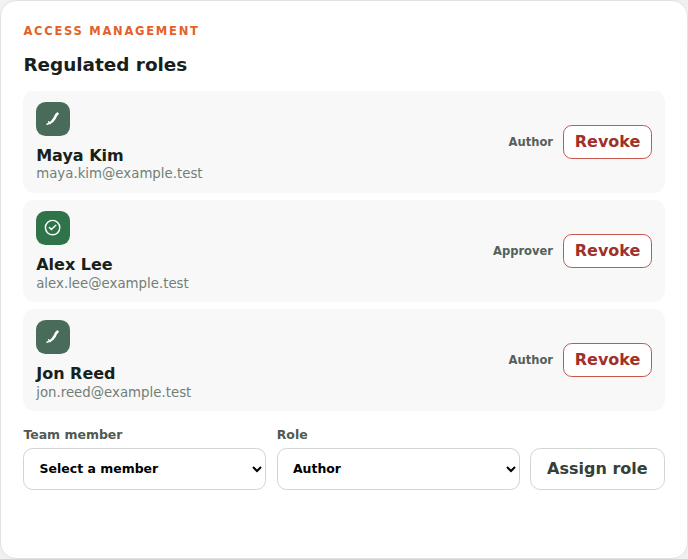
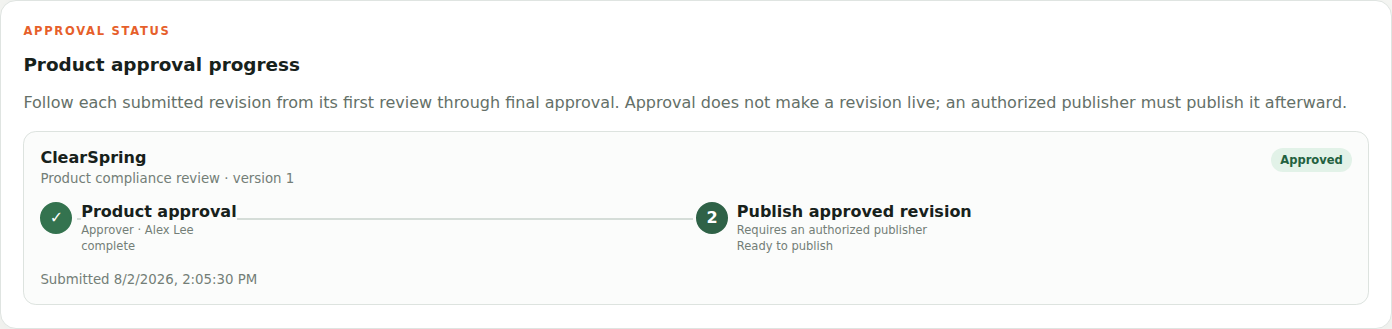
- Publish directly in Standard mode or submit the revision through its configured workflow in Governed mode.
What publishing does
Publishing turns the draft into an immutable revision and makes it the source for the public resolver. The previous published revision is archived, preserving a durable record of what audiences saw before the update.
Discard updates when plans change
Use Discard updates when the entire unpublished revision is no longer needed. A reason is required. In-review work is withdrawn, and approved work requires administrator or compliance-administrator authority. Published history is never removed.