Teams and governance

Give every team member the right responsibility

Understand workspace access and the Author and Publisher responsibilities for controlled publishing.

6 min read
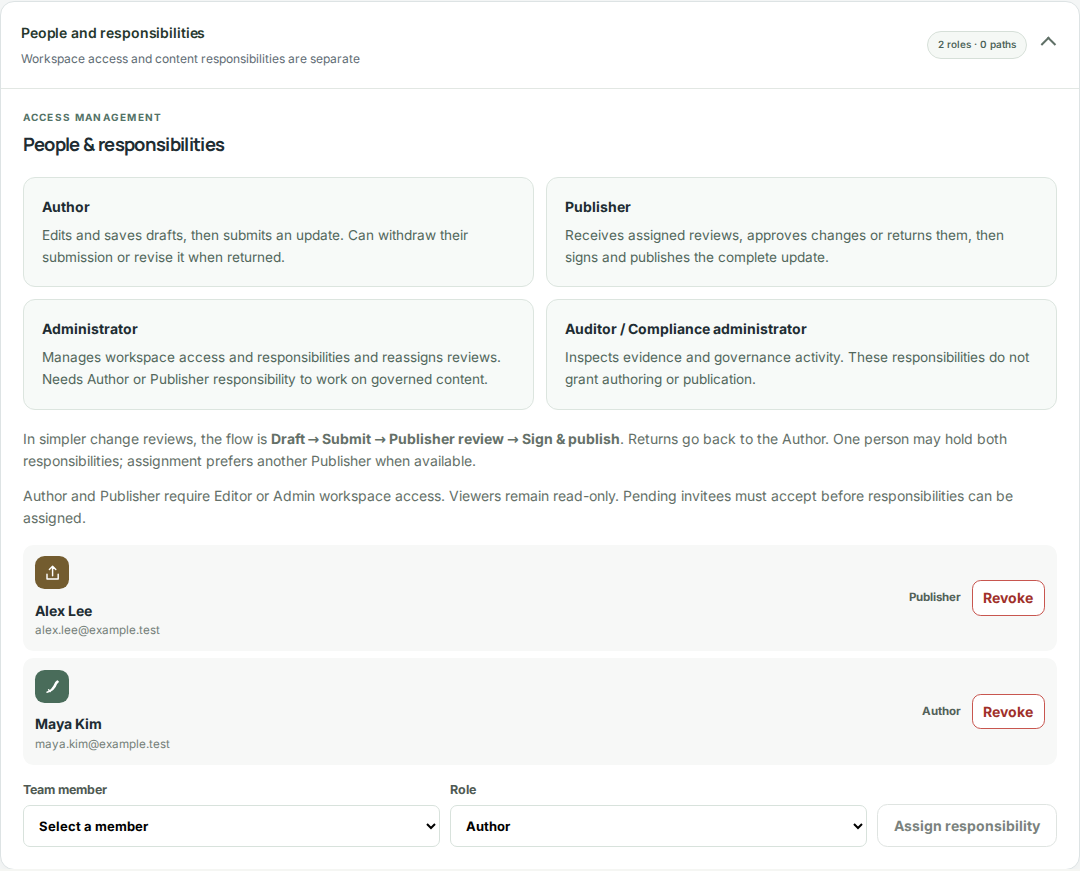
Digilnk People & responsibilities showing Author and Publisher responsibilities with fictional team members.
Captured from the current Digilnk platform components with fictional demonstration data. Select the image to view it full size.

Workspace access

Workspace roles determine broad application access. Administrators manage the organization and team. Editors create and update products. Viewers can inspect information without changing it.

  1. Assign Administrator only to people responsible for organization-wide controls.
  2. Use Editor for day-to-day product and destination management.
  3. Use Viewer for stakeholders who need visibility without mutation rights.

Regulated responsibilities

The change review process uses Authors to prepare and submit updates and Publishers to review each change and sign the complete release. Assign either or both responsibilities to multiple team members. Administration and audit access remain separate; workspace Administrator access alone does not grant publishing rights.
Use the shared Publisher inbox

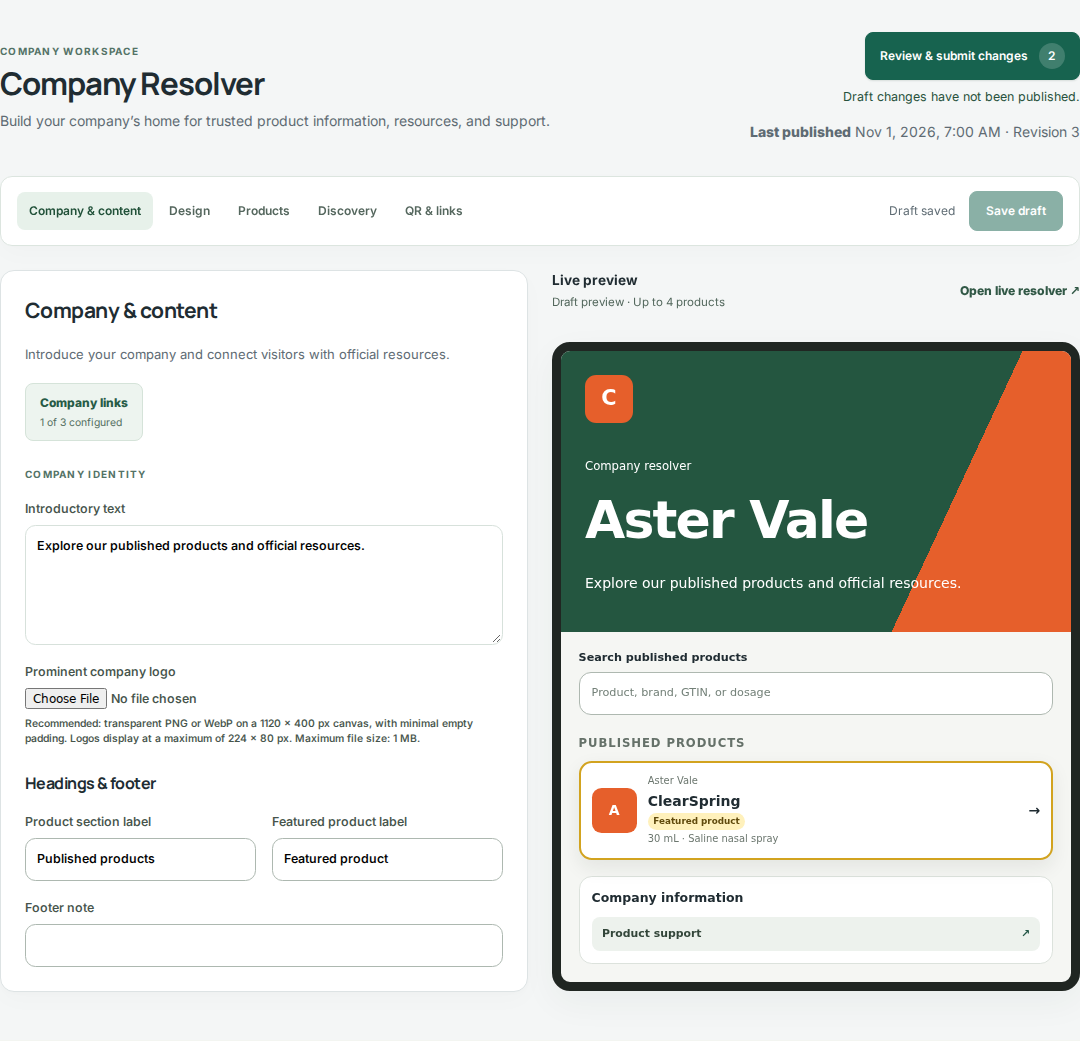
An administrator confirms Author and Publisher assignments and activates change reviews. Authors use Review changes in the product or company editor to discard individual saved changes and submit an update with its purpose. Eligible Publishers are assigned automatically. They open assigned work in My reviews, approve changes individually or in bulk, and discuss corrections on individual changes. Return for changes unlocks the draft; resubmission starts a fresh review. Sign and publish releases the complete reviewed update.

Next guide

Build product pages and a company library

Continue →