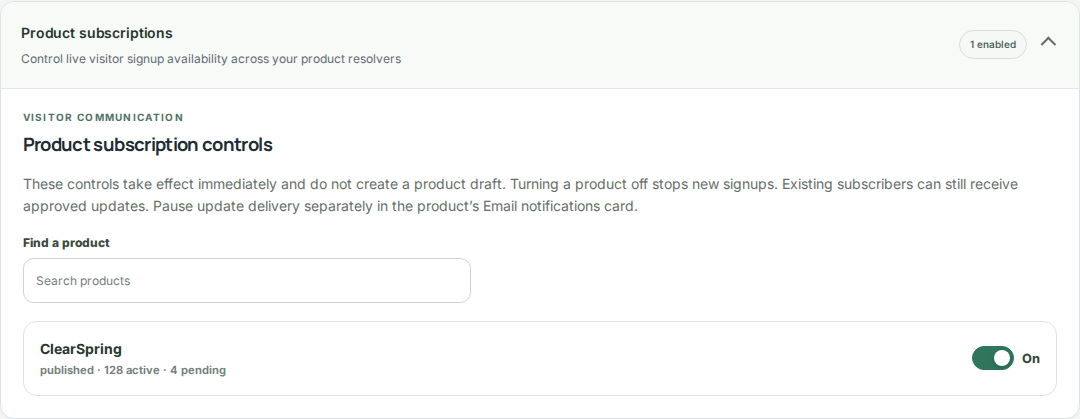
Confirm responsibilities
An administrator assigns Author and Publisher responsibilities and activates simpler change reviews in a governed workspace. Workspace access and content responsibilities are separate.
- Ensure the people preparing changes have Author responsibility and suitable workspace access.
- Assign at least one eligible Publisher to review and release updates.
- Use People and responsibilities to confirm assignments before submitting.
Submit the complete update
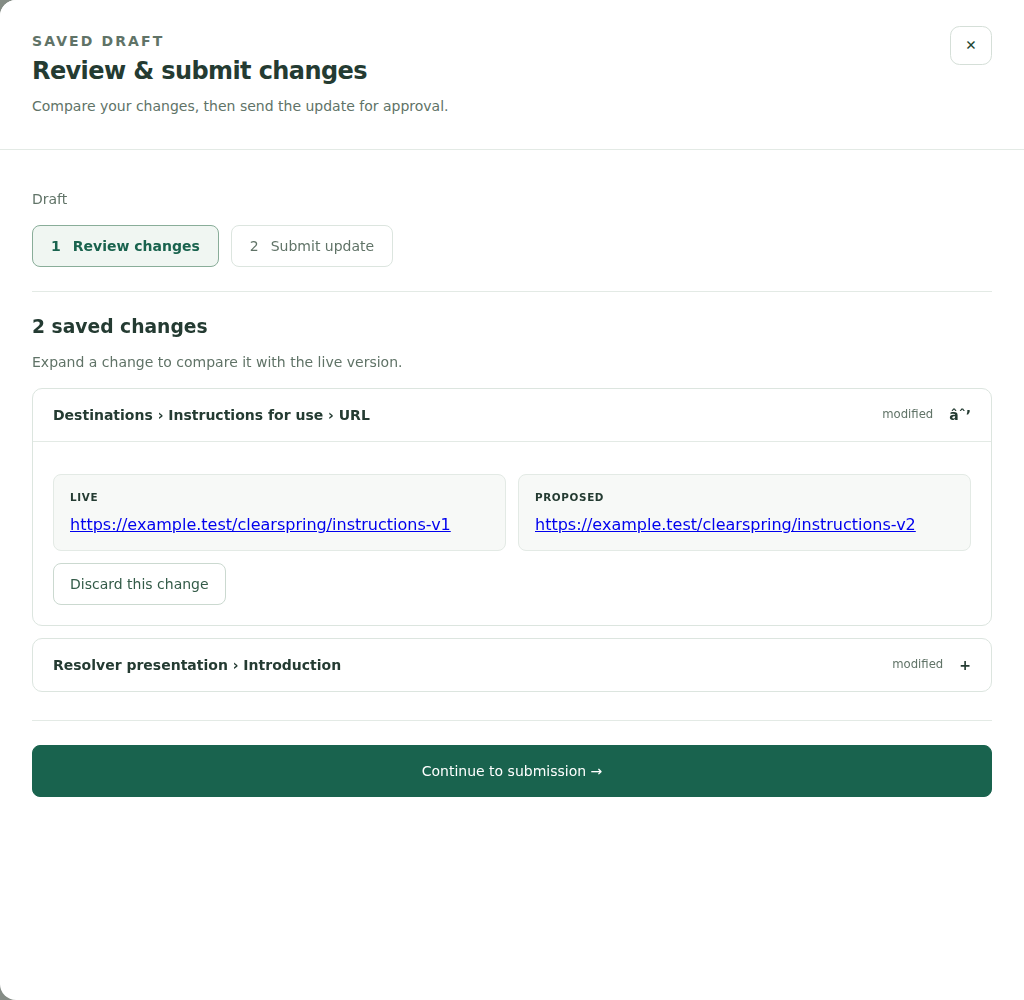
Authors save product or company content before opening Review & submit changes. The review captures a fixed snapshot of the proposed release.
- Inspect the saved changes and discard any items that should not be included.
- Enter a summary explaining the purpose of the update.
- For a product announcement, confirm the exact subject and summary that subscribers should receive.
- Submit the update. The system assigns an eligible Publisher; My reviews shows assigned work.
Review, correct, and publish
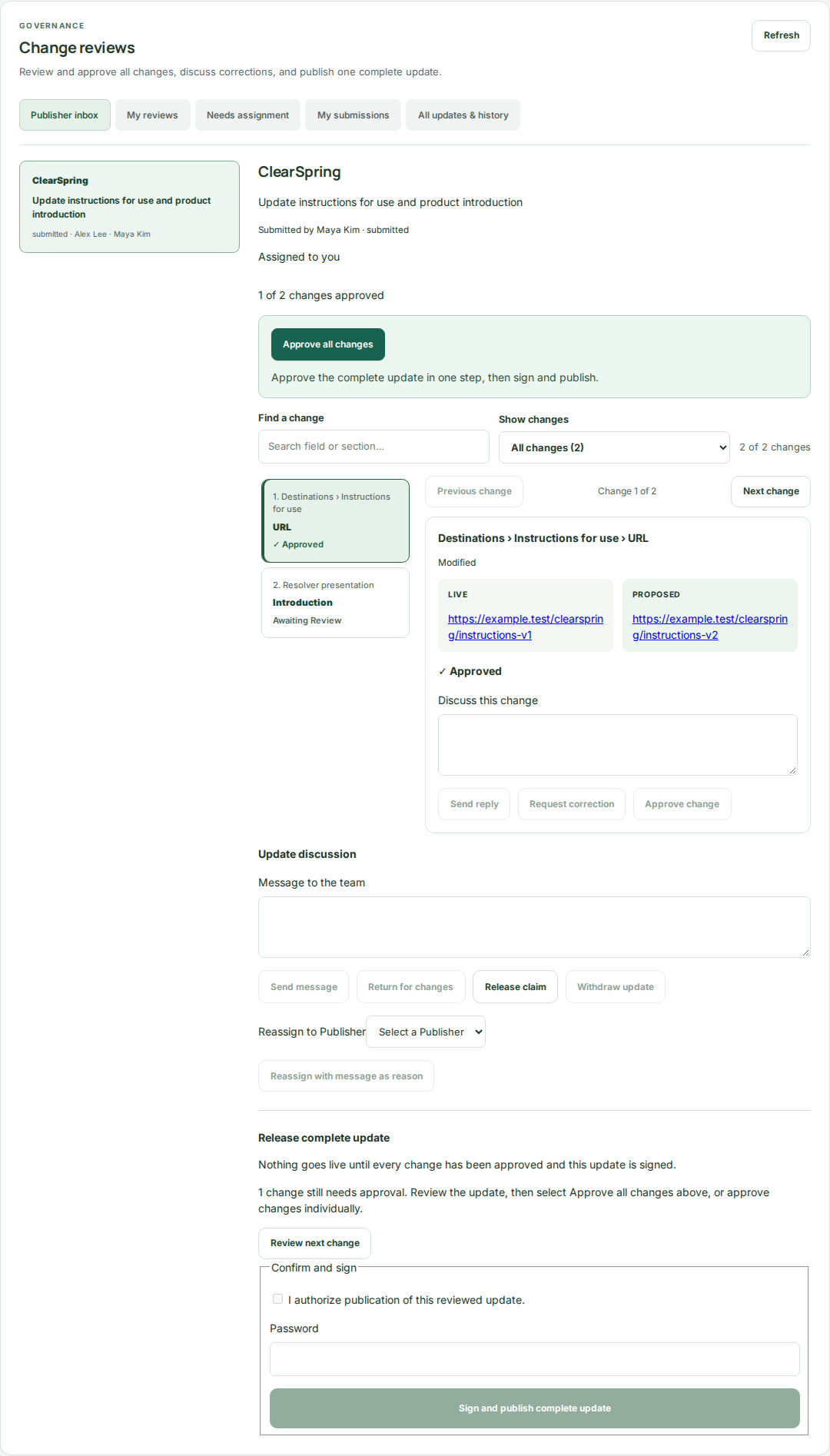
The assigned Publisher reviews the update from the Publisher inbox. Approvals apply to the submitted content, not to future edits.
- Approve changes individually or use Approve all changes after checking the entire update.
- Discuss corrections on the relevant change. Resolve requested corrections individually.
- Use Return for changes when the Author needs to edit. Resubmission creates a fresh review and resets approvals.
- When all changes are approved, choose Sign and publish complete update and complete authentication.
Retrieve the evidence
Use the governance and compliance tools available to your role to inspect review history, signatures, and publication records. Publication packages retain content hashes, and inspection exports include the associated evidence.
- Review the submission’s decisions and discussions when investigating a release.
- Use publication-package verification to check recorded integrity.
- Have an administrator or appropriately authorized compliance user generate an inspection export or manage retention and quality holds.